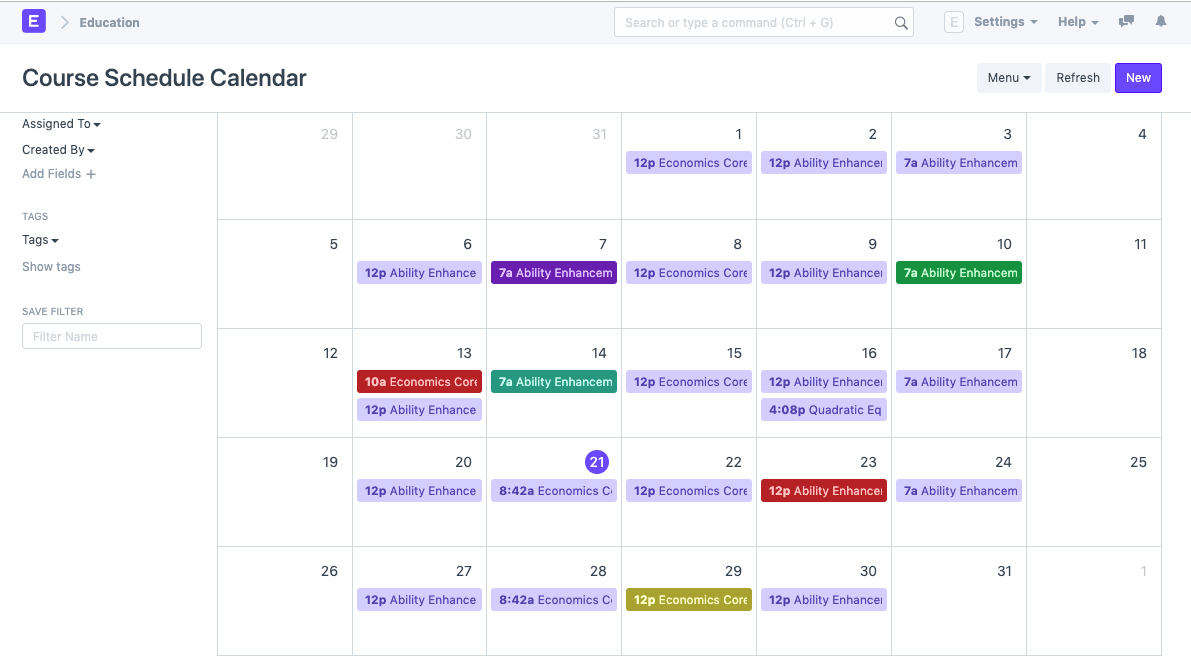
Create a new Course Schedule from the Schedule Calendar.
Select the Student Group for which you want to create the Course Schedule.
Select the Instructor who will be tutoring the students for the course.
Select the Course for which the schedule is being prepared.
Add the From Time and To Time for the Course Schedule.
Select and add the Room wherein the Lecture would be conducted.
Course Schedule
3. Marking Attendance
You can mark attendance for a Student Group against a Course Schedule.
Course Schedule
To mark attendance for a course, click on Attendance in the Course Schedule. You will be redirected to a page, wherein the name of all the students will be listed along with check-boxes for marking attendance. You can check the Present students and Mark Attendance. You can also Check All or Uncheck All and mark attendance.